Splitting a bill abroad goes wrong for the same reasons every time.
The currency is not yours, a card fee sits on top, tax and tip are added separately,
and somebody paid for everyone. SplitBill_EX keeps all of that in the calculation and
gives you the only answer that matters: who pays whom, and how much.
Screens
What it does
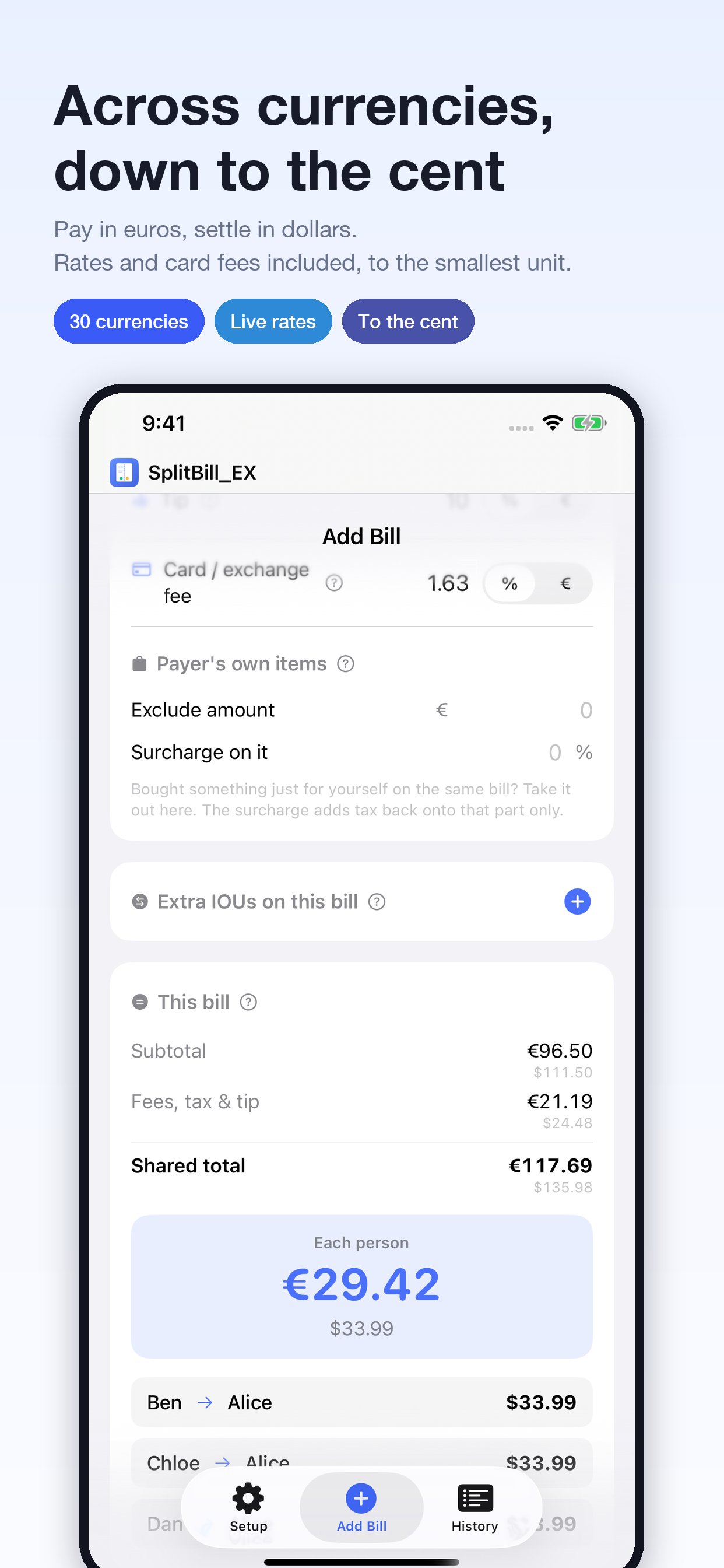
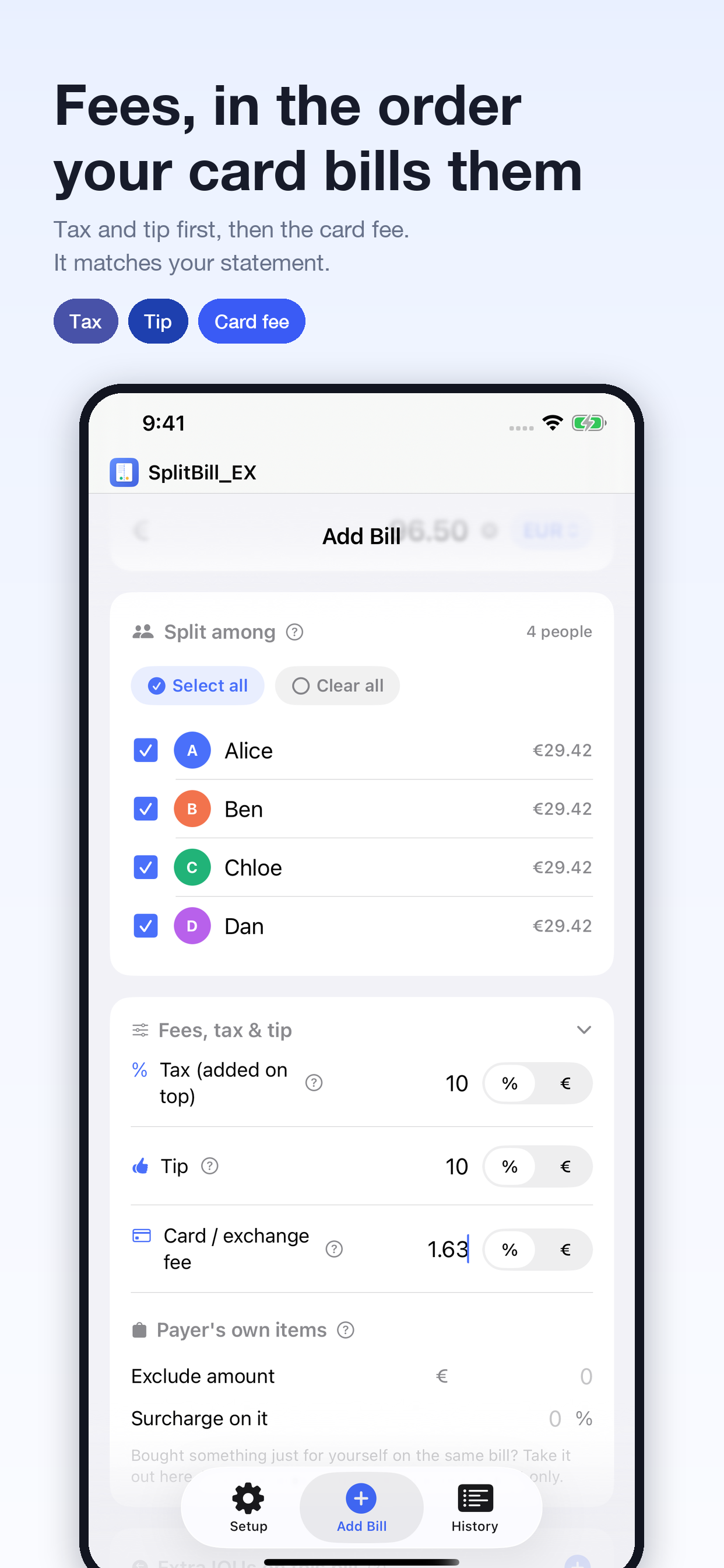
Fees in the right order — tax and tip are added first, then the card fee on top, the way the card company actually bills you. The order changes the total, so it matters. Each one can be entered per bill as a percentage or a fixed amount
Leave out your own purchases — something you bought for yourself on the shared receipt can be taken out of the split, with a surcharge rate that adds tax to that part only
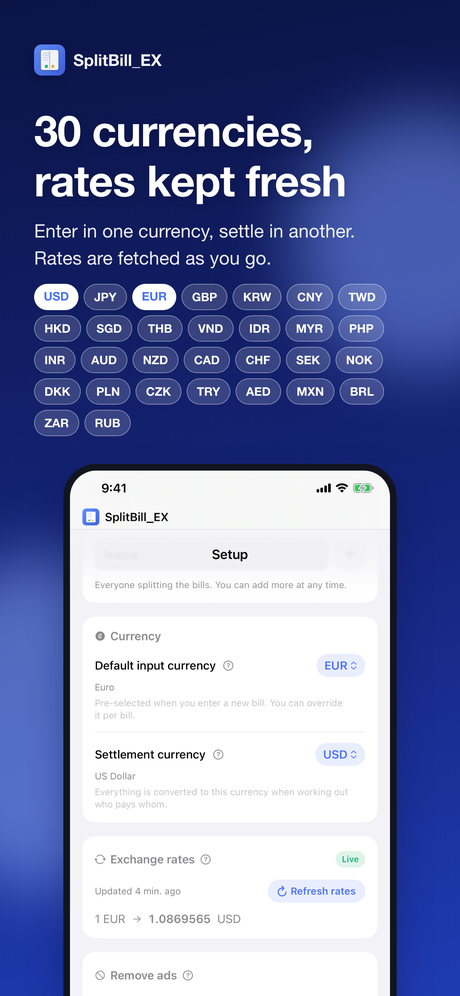
30 currencies — enter each bill in the currency on the receipt and settle in the one your group chooses: pay in euros, settle in dollars. Rates are fetched automatically when the app starts. Offline, it keeps calculating with the last rates it fetched, and the screen always shows which rates are in use
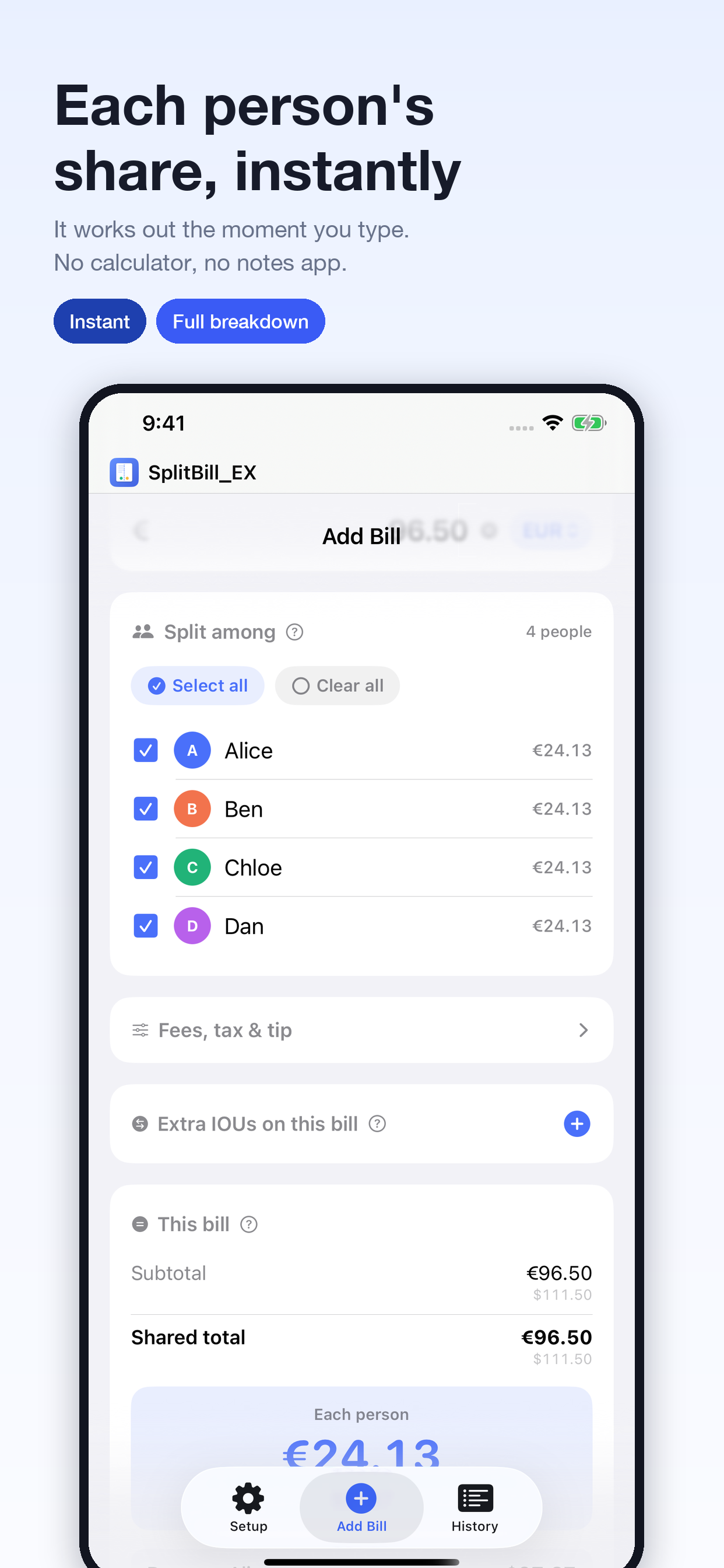
Nothing rounded on the way — amounts are held as decimals and rounded only per transfer and on output, so the parts still add up to the whole
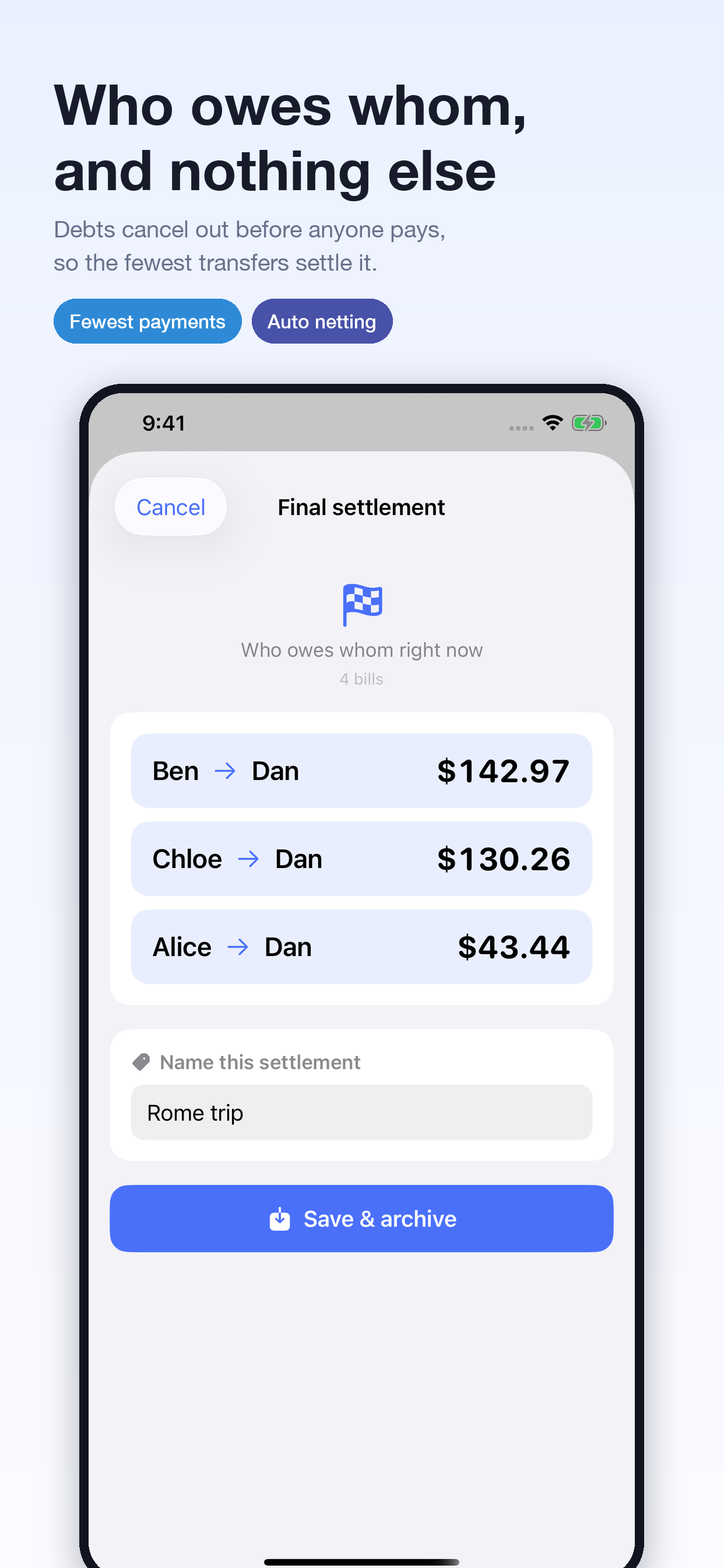
Fewest transfers — everyone's debts are netted off before anyone pays. Three people settle up in at most two transfers, five people in at most four
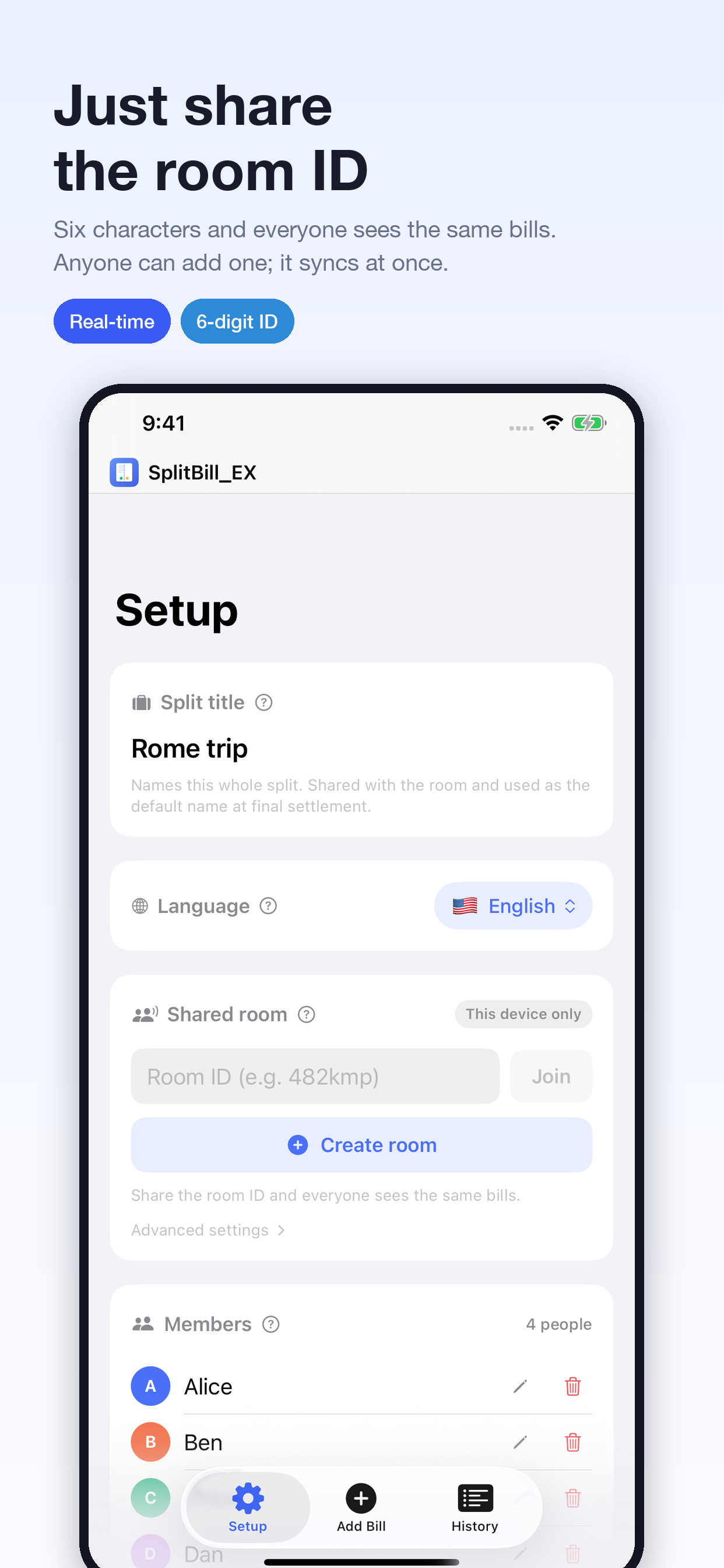
Shared rooms — share a six-character room ID and the members, bills and settlement results stay in sync for everyone in real time. You can keep entering bills without a signal; they sync once you are connected again
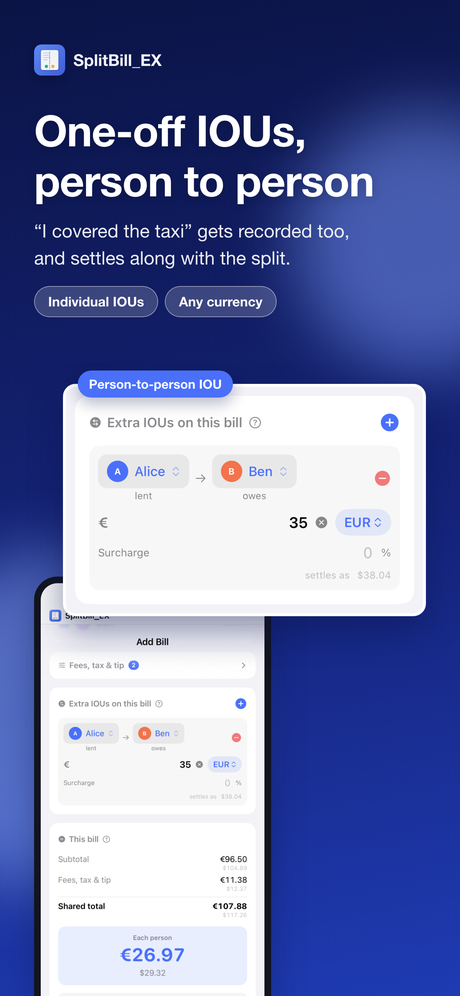
One-off IOUs — a person-to-person debt, like “I paid for the taxi”, can be recorded too, and is settled together with the split
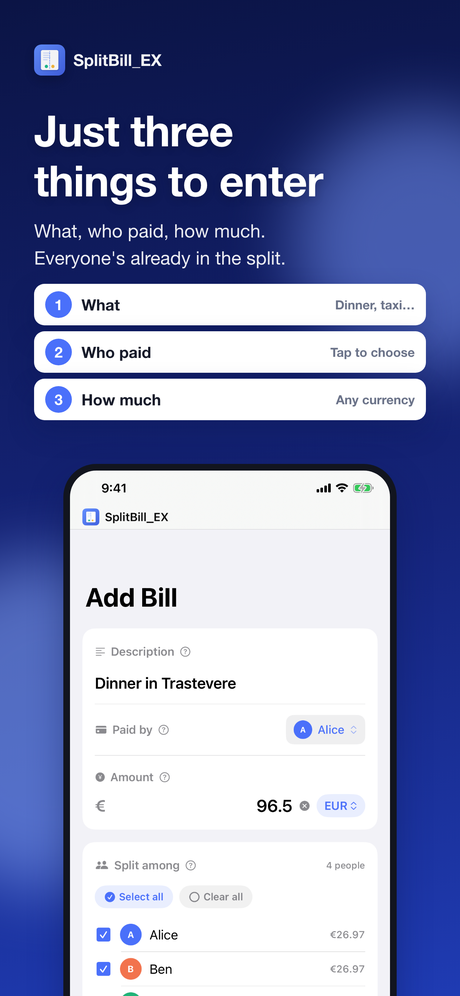
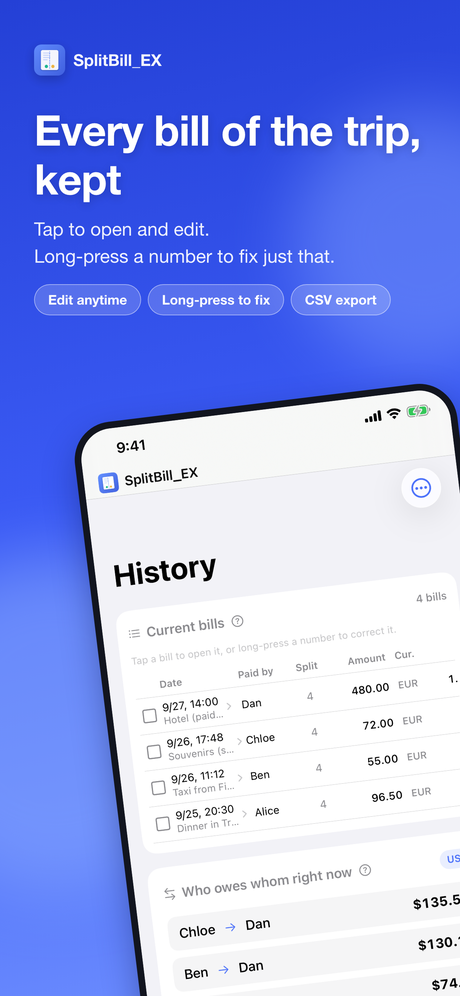
Edit anything later — tap a recorded bill to change any of its fields
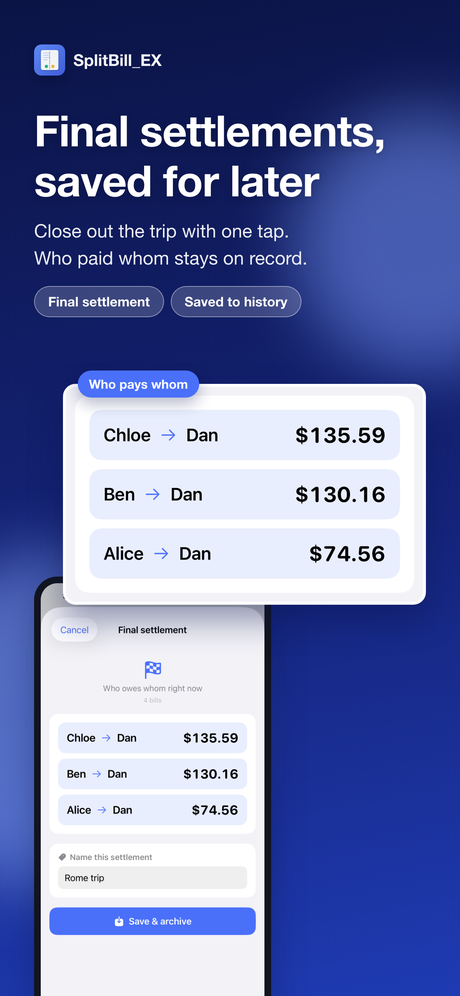
Settlements kept — “Final settlement” saves the result to History. Past settlements can be opened any time, and tapping “Restore” brings one back with its settings so you can carry on where you left off. You can also export them as CSV
10 languages — English, Japanese, Simplified and Traditional Chinese, Korean, Spanish, French, German, Portuguese and Italian
Guided tour — on first launch, a tour on a sample trip shows what each tap does, right on the real screens. Replay it any time from the Setup tab
Free, with ads — an optional weekly auto-renewing subscription, “Remove ads”, turns the ads off. Every feature works the same without it
Unless you use a shared room, your bill data never leaves your device.
For how data is handled when you do use a room, see the privacy policy below.
Questions
Can anyone see what is in a room?
Rooms are not protected by any sign-in. Anyone who knows the room ID can read and change
what is in the room. Give the ID only to the people you want to share the room with.
The exchange rates look out of date
Rates are fetched when the app starts, and when you return to the app they are fetched again
automatically if they are more than an hour old.
When there is no connection, the app keeps calculating with the last rates it fetched,
and the screen shows which of the two it is using.
The result doesn't match my card statement
The card fee is set to be charged after tax and tip are added.
You can set it for each bill as a percentage or a fixed amount, so check it against the order
of the charges on your statement.
Privacy
Bills stay on your device unless you use a shared room. In a shared room, participant
names, bills and settlement results are stored in a database run by the developer, and
anyone who knows the room ID can read and write them. A room's data can be
deleted from inside the app. The app also shows Google AdMob ads, and the policy lists the data
the ad SDK collects. Please read the privacy policy before sharing a room.